
With SSD prices up over 70% in 2026, a tested-working 500GB hard drive at $50 is a sensible way to add bulk storage — for backups, archives, or a secondary drive — without paying inflated flash-memory prices.
🎯 Best Use Cases
- Secondary/archive storage for files that don't need SSD speed.
- Backup target drive for photos, documents, and less-frequently-accessed data.
- A budget boot drive for a light-use older PC where cost matters more than speed.
- Bulk storage for a home NAS or file server.
- Reviving an older desktop that just needs a working drive to be usable again.
💰 Why This Is a Good Deal
SSD and NVMe prices have jumped 70-115%+ through 2026 due to the ongoing NAND flash shortage, while traditional mechanical hard drives haven't seen anywhere near the same price pressure. That gap makes HDDs a relatively smarter choice than ever for pure capacity needs where speed isn't critical.
At $50 CAD, tested and working, this 500GB Seagate Barracuda is a low-risk way to add reliable bulk storage — ideal as a second drive alongside a smaller, faster SSD for the OS.
⚖️ How It Compares
| Part | Price | Notes |
|---|---|---|
| Seagate Barracuda 500GB 3.5" SATA Hard Drive — Used, Working | $50.00 | Smallest capacity in our HDD lineup, same price as the 1TB drives. |
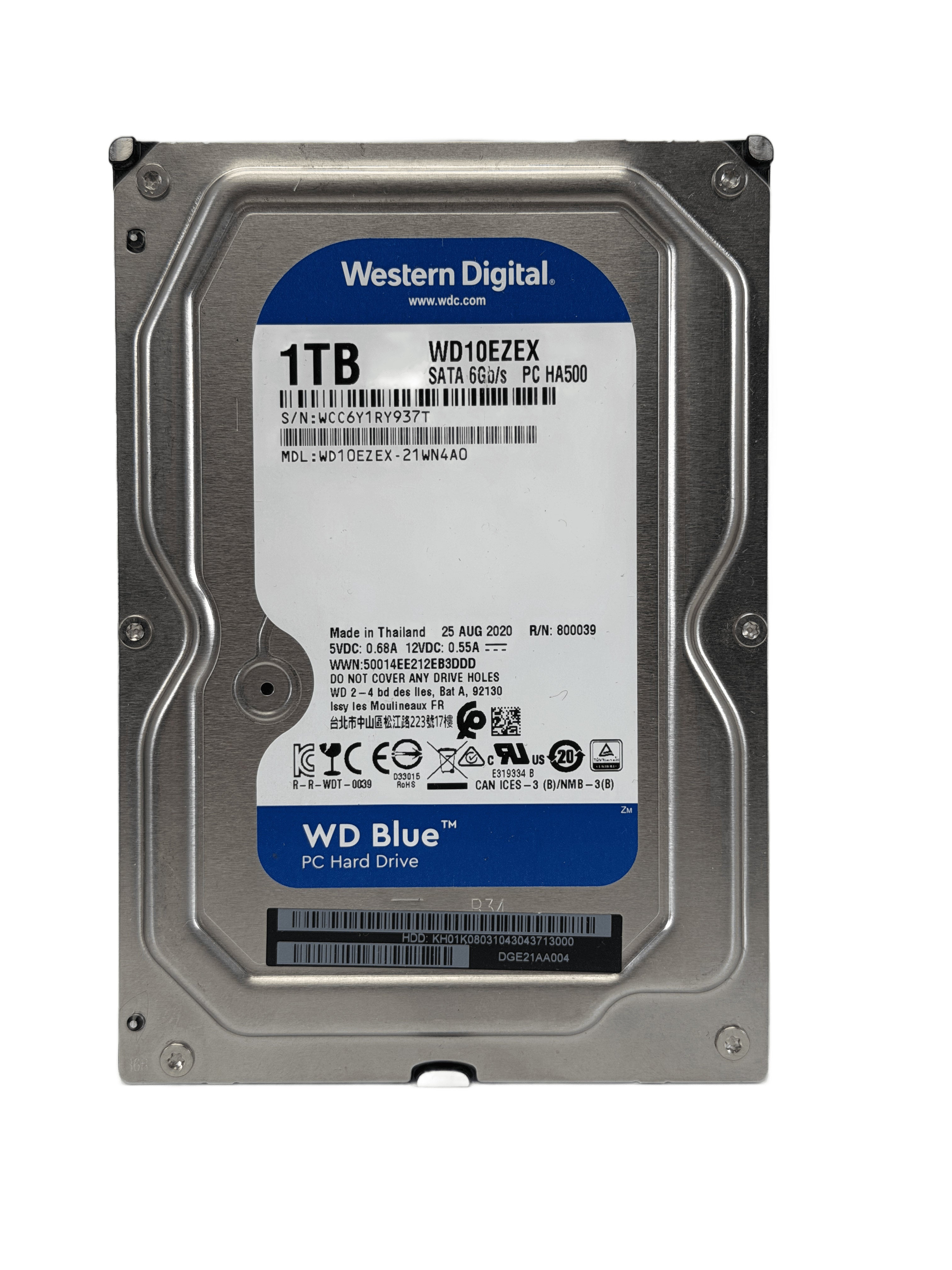
| WD Blue 1TB 3.5" HDD | $50.00 | Double the capacity for the same price — better value if size matters. |
| Kingston A400 240GB SATA SSD | $45.00 | Similar price, far faster — better as a boot drive instead. |
Seagate Barracuda 500GB 3.5" SATA Hard Drive — Used, Working
In stock now — $50.00 CAD, ships within Canada.
🛒 View & Buy This Part Ask a Technician❓ Frequently Asked Questions
Should I use this as a boot drive or storage drive?
For the best experience, use an SSD as your boot/OS drive and a hard drive like this one for bulk file storage — you get speed where it matters and cheap capacity where it doesn't.
How long do used hard drives typically last?
It varies by usage and drive health, which is why this drive is tested and confirmed working before listing. For critical data, always keep a backup regardless of drive age.
Is 500GB enough for a secondary drive?
For documents, photos, and moderate backups, yes. For large game libraries or 4K video, consider one of our 1TB options instead.