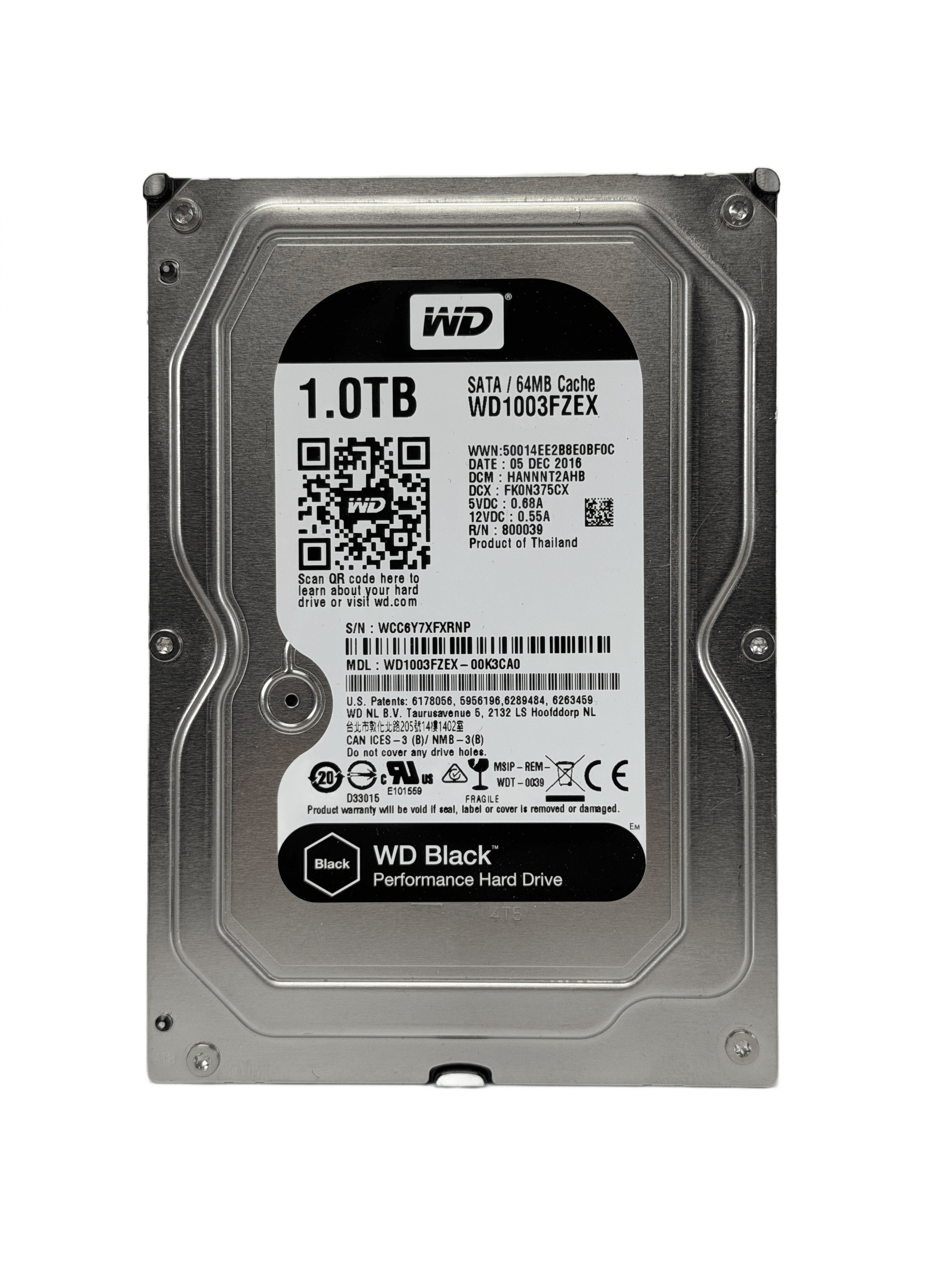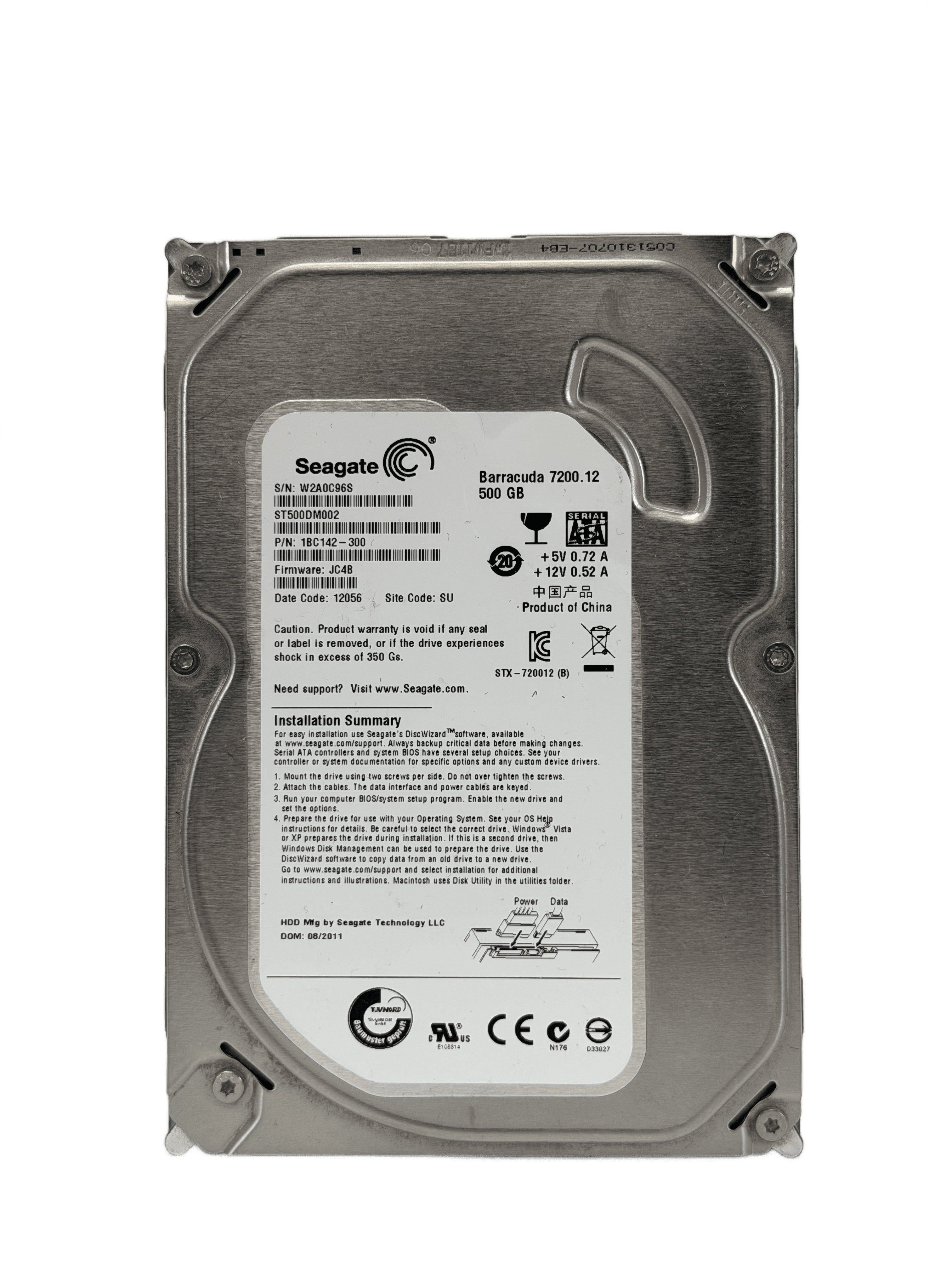

WD's Blue line is built for general everyday desktop use — reliable, reasonably quick for a mechanical drive, and at $50 for 1TB, a smart way to add bulk storage while SSD prices remain inflated in 2026.
🎯 Best Use Cases
- General-purpose desktop storage for documents, photos, and downloads.
- A secondary drive to offload games/files from a smaller primary SSD.
- Everyday backup storage for a home PC.
- Budget bulk storage for media libraries (music, movies, photos).
- A reliable replacement drive for an aging or failing hard drive.
💰 Why This Is a Good Deal
WD Blue drives are designed as the everyday, general-purpose tier of Western Digital's lineup — a dependable balance of performance and cost. With new SSD prices up 70-115%+ in 2026's NAND shortage, a mechanical drive like this remains the most cost-effective way to add a full terabyte of storage.
At $50 CAD, tested and working, this is straightforward, no-nonsense storage at a price that hasn't been squeezed by the current memory market chaos.
⚖️ How It Compares
| Part | Price | Notes |
|---|---|---|
| WD Blue 1TB 3.5" SATA Hard Drive — Used, Working | $50.00 | Best all-around pick for general desktop storage. |
| WD Black 1TB 3.5" Performance HDD | $50.00 | Tuned for higher performance/workstation use, same price. |
| WD Red 1TB 3.5" NAS HDD | $50.00 | Built for 24/7 NAS operation instead of desktop use. |
| WD Green 1TB 3.5" HDD | $50.00 | Lower power and quieter operation, less focus on peak speed. |
WD Blue 1TB 3.5" SATA Hard Drive — Used, Working
In stock now — $50.00 CAD, ships within Canada.
🛒 View & Buy This Part Ask a Technician❓ Frequently Asked Questions
What's the difference between WD Blue, Black, Green, and Red?
Blue is WD's general-purpose desktop line, Black is tuned for higher performance/workstation use, Green prioritizes low power and quiet operation, and Red is built for 24/7 NAS environments. All four are available in our store at the same $50 price.
Is this drive good for gaming storage?
Yes, for storing installed games where load times aren't critical — pairing it with an SSD for your most-played titles gives the best of both worlds.
What interface does this drive use?
Standard SATA III (6.0 Gbps), compatible with virtually any desktop motherboard from the last 15+ years.